Jeda ticket
v0.1.0- Entry
- When your car is parked
- Exit
- When your journey resumes
- Screen
- Android Auto, via an Android phone
- Status
- Parked use only
How to use
- Park.
- Choose a shortcut.
- Enjoy your pause.
Jeda 0.1.0
Waiting for a pickup or charging your car?
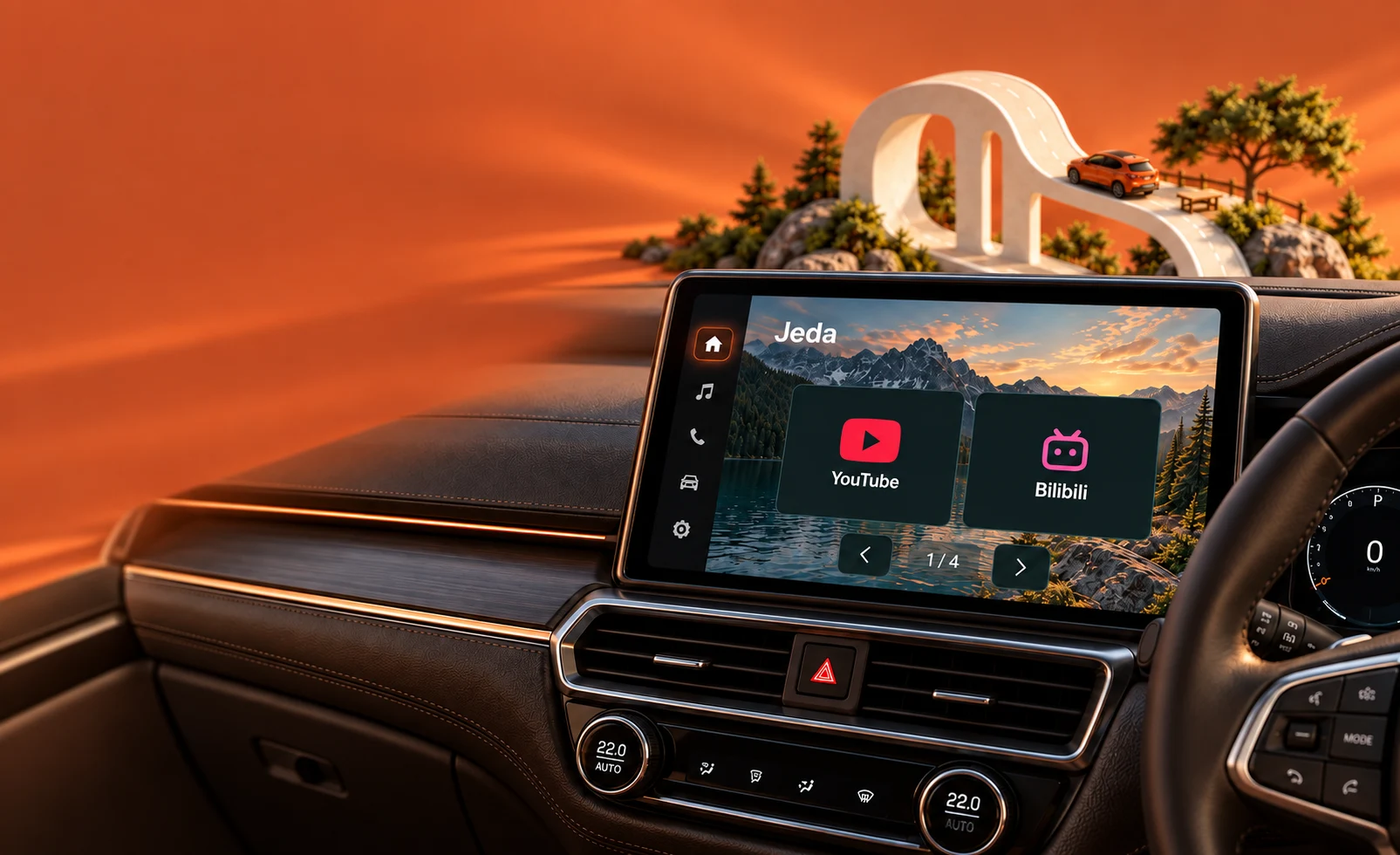
Enjoy your favorite shows on Android Auto while your car is parked.
How to use
Jeda 0.1.0 brings more moods, more things to watch, and full control over what appears on your car screen.
Dusk, Sand Dunes, Pine Forest, Coast, Misty Mountains, and Orbit. Choose one on your phone and see it on your car screen.
YouTube, Bilibili, Disney+, Prime Video, Vidio, and HBO Max. You can add your own favorite websites, too.
Choose which shortcuts appear on the head unit from your phone. Changes are saved right away.
The phone app follows your device colors, with smooth transitions throughout.
The browser closes when driving restrictions become active and never reopens on its own.
Choose a mood, browse the shortcut pages, and tap one. It all runs in this browser.
A browser simulation of Jeda. Third-party services do not play content in this demo.
The Jeda phone app is where you prepare your car screen. The preview at the top shows the head-unit layout, and every change is saved right away.
Choose from six backgrounds. Your car screen changes too, including the glass behind each tile.
One switch for each service. Hidden services stay on your phone, along with their sign-ins.
Enter an address and the name fills in automatically. Your new website appears as a tile in the car.
Try it on this phone, then check the car screen demo. Both use the same settings.
 YouTube
 Bilibili
 Disney+YouTubeMobile siteBilibiliDesktop siteDisney+Desktop site
 Prime VideoDesktop site
 VidioDesktop site
 HBO MaxMobile site
Get to know Jeda. Here are the questions we hear most often.
Jeda is an entertainment launcher for Android. Save website shortcuts on your phone, then open your chosen content on a compatible car screen while parked.
Not yet. Compatibility depends on your Android device, head unit, and Android Auto setup. Support for all vehicles is not available.
Jeda is designed for parked moments. In testing, the browser closes when driving restrictions become active and does not reopen automatically. Do not use visual entertainment while driving.
Jeda only opens service websites. Some services, including Disney+, Prime Video, and HBO Max, require an account or subscription from that provider.
There is no public download on this page yet. Try the interactive demo to explore the interface. The demo does not install an app or play content from third-party services.